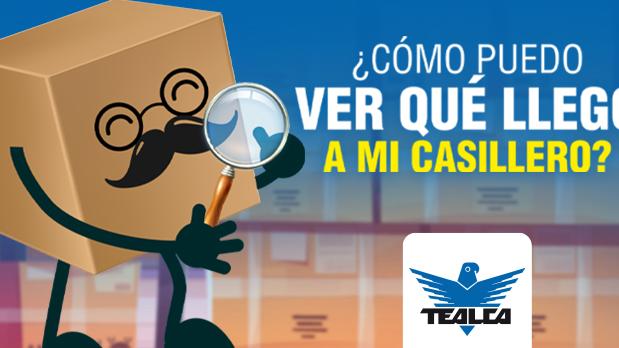
View photos of packages at TEALCA Miami warehouse for peace of mind. Inspect items before shipping to USA with our digital verification tool.
If you're a TEALCA mailbox customer waiting on several packages, or just want to make sure your order was received correctly, this article will walk you through viewing the photos of your orders in your customer profile.
Step by step to check received items
How to verify your items at the mailbox
Access your profile at clientes.tealca.us and log in with your credentials. If you don't have login details yet, request them from [email protected] including your name and mailbox code.
Expand the side menu and select the 'Receipts' option. There you'll see the full list of orders assigned to your mailbox.
Each receipt has attached files. Click on them to view the photo of the item received.
Check whether the images match the product you were expecting. This is a quick way to confirm your item arrived correctly at our facility before requesting shipment to Venezuela.
No images available on your receipt?
If for any reason the receipt doesn't include attached photos, you can request them directly from our customer service team. Write to us at [email protected] and include the following information:
- Your mailbox code (VE or US).
- The receipt number you want to check.
Our team will get back to you with the corresponding images as soon as possible.
You can view them by logging into clientes.tealca.us, expanding the side menu and selecting the 'Receipts' option, where you'll see the full list of your orders with their attached files.
You can request them by writing to [email protected], including your name and mailbox code.
You can request them directly from [email protected], including your mailbox code (VE or US) and the receipt number you want to check.
Some packages arrive in plastic bags with small or delicate parts that, for security reasons, are not opened for photos, as they could get lost. In those cases, images only show the outside of the package.
Contact us
If you need any other guidance for shipping to Venezuela from the United States with TEALCA, reach us through the following channels:
- Email: [email protected]
- Instagram: @tealcausa
- WhatsApp: +58 424-5497880
- Facebook: Tealca USA
Related articles
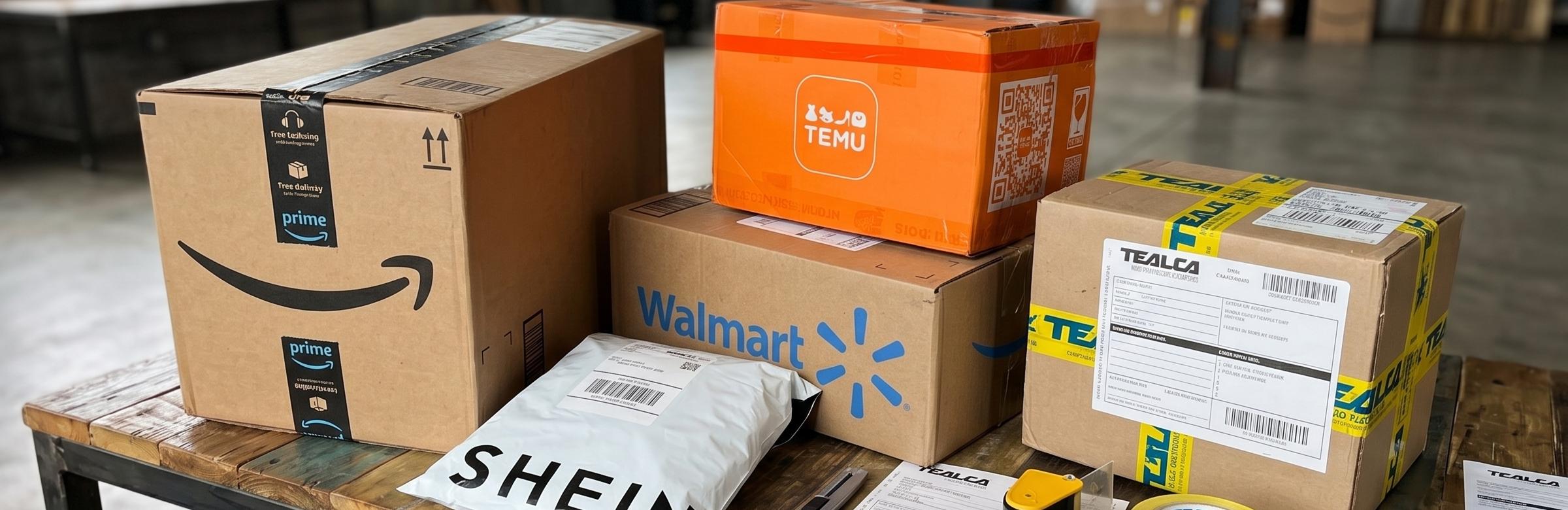
How to use our mailbox service to ship to Venezuela?
With our mailbox service, ship from anywhere in the world to Venezuela — no need to leave home or repack.
Read article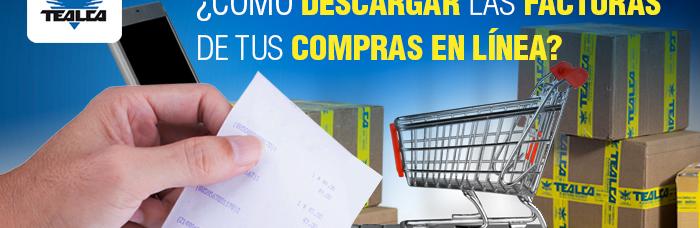
How to Download Invoices from Amazon, Walmart, SHEIN, eBay, and TEMU
Learn how to download invoices from Amazon, Walmart, SHEIN, eBay and TEMU for TEALCA air cargo shipments to Venezuela.
Read article
Order Number vs. Tracking Number: What Is the Difference
Order Number vs Tracking Number: Understand the difference to avoid delays with TEALCA shipping.
Read article
Is Your USPS Tracking Marked Delivered but Not in Our Warehouse
USPS says delivered but package missing? Learn how TEALCA solves this common shipping issue fast.
Read article