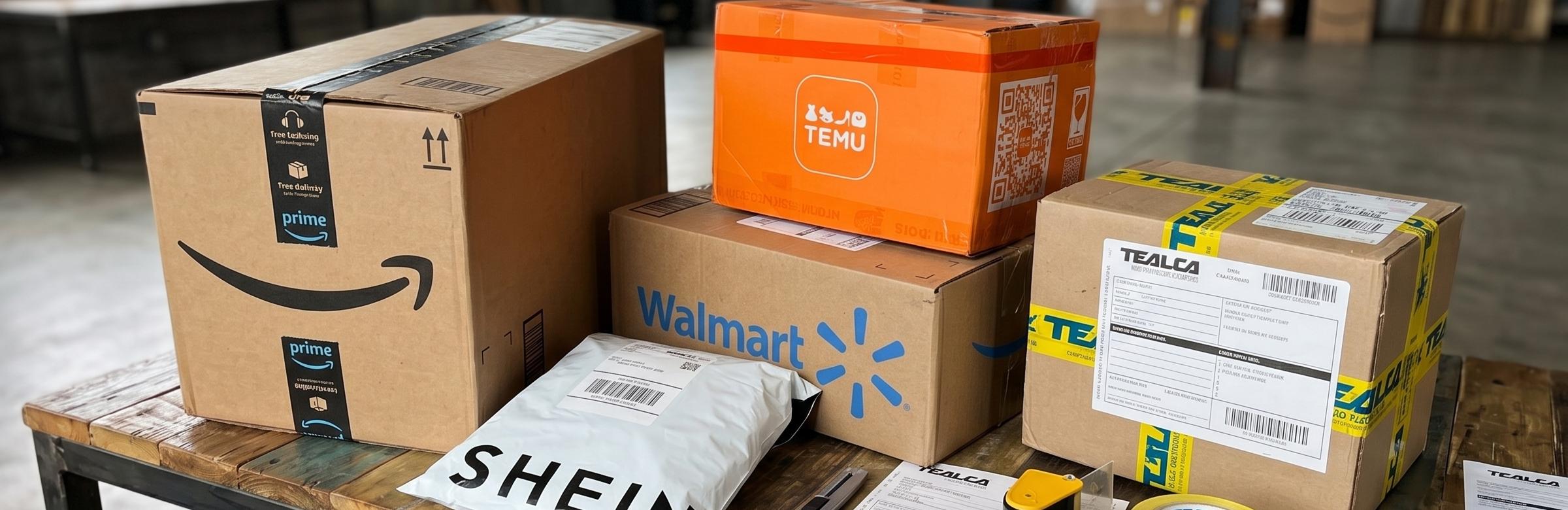
Learn how to download invoices from Amazon, Walmart, SHEIN, eBay and TEMU for TEALCA air cargo shipments to Venezuela.
When making air shipments to Venezuela, it's essential to submit the purchase invoices from the online stores where you placed your order. This is a required document for customs processing and dispatching your package.
Below, we explain how to download your purchase invoices from different online stores:
Amazon
Go to Your Orders.
Click "View invoice" to view the payment information.
Once the receipt is displayed, select "Print this page for your records" at the top of the order summary.
Select "Save as PDF" to save the file of your purchase receipt, which you'll forward to [email protected] along with your mailbox code.
Walmart
Go to your account and click "Purchase History".
Locate the order and click "View details".
Click "Print".
Select "Save as PDF" to save the file of your purchase receipt, which you'll forward to [email protected] along with your mailbox code.
Shein
Once your order is processed, you'll receive an "Order Confirmation" to your email.
Click "Print all".
Select "Save as PDF" to save the file with your purchase information, which you'll forward to [email protected] along with your mailbox code.
eBay
Go to "My eBay" and click "Summary".
Click "View Order Details" to view your order information.
Click "Printer Friendly Page".
Once your order info shows, click the printer icon and select "Save as PDF" to save the file with your purchase information, which you'll forward to [email protected] along with your mailbox code.
Temu
Go to "Orders & Account" and click "Your Orders".
Locate the order in your history and click "View order details".
Click "View Receipt".
Once your order summary shows, click "Print Receipt".
Select "Save as PDF" to save the file with your purchase information, which you'll forward to [email protected] along with your mailbox code.
Because it's a required document for customs processing and dispatching your package when making air shipments to Venezuela.
You must forward it to [email protected] along with your mailbox code, so it can be linked to your shipment.
In PDF format. At each store, the last step is selecting 'Save as PDF' when printing the receipt or payment confirmation.
This guide covers the step-by-step for Amazon, Walmart, Shein, eBay and Temu, the online stores most used by our customers.
Look in your account for the order history section or the purchase confirmation email; most stores let you print or save the receipt as PDF from there. If you have questions, write to [email protected] and we'll guide you.
Contact us
If you need any other guidance for shipping to Venezuela from the United States with TEALCA, reach us through the following channels:
- Email: [email protected]
- Instagram: @tealcausa
- WhatsApp: +58 424-5497880
- Facebook: Tealca USA
Related articles
How to use our mailbox service to ship to Venezuela?
With our mailbox service, ship from anywhere in the world to Venezuela — no need to leave home or repack.
Read article
How to View Photos of Your Packages Received at the Miami Warehouse
View photos of packages at TEALCA Miami warehouse for peace of mind. Inspect items before shipping to USA with our digital verification tool.
Read article
Order Number vs. Tracking Number: What Is the Difference
Order Number vs Tracking Number: Understand the difference to avoid delays with TEALCA shipping.
Read article
Air Shipping to Venezuela from the USA: Fast and Secure
Need fast air shipping to Venezuela from the USA? TEALCA delivers securely in record time with 40 years of experience.
Read article