
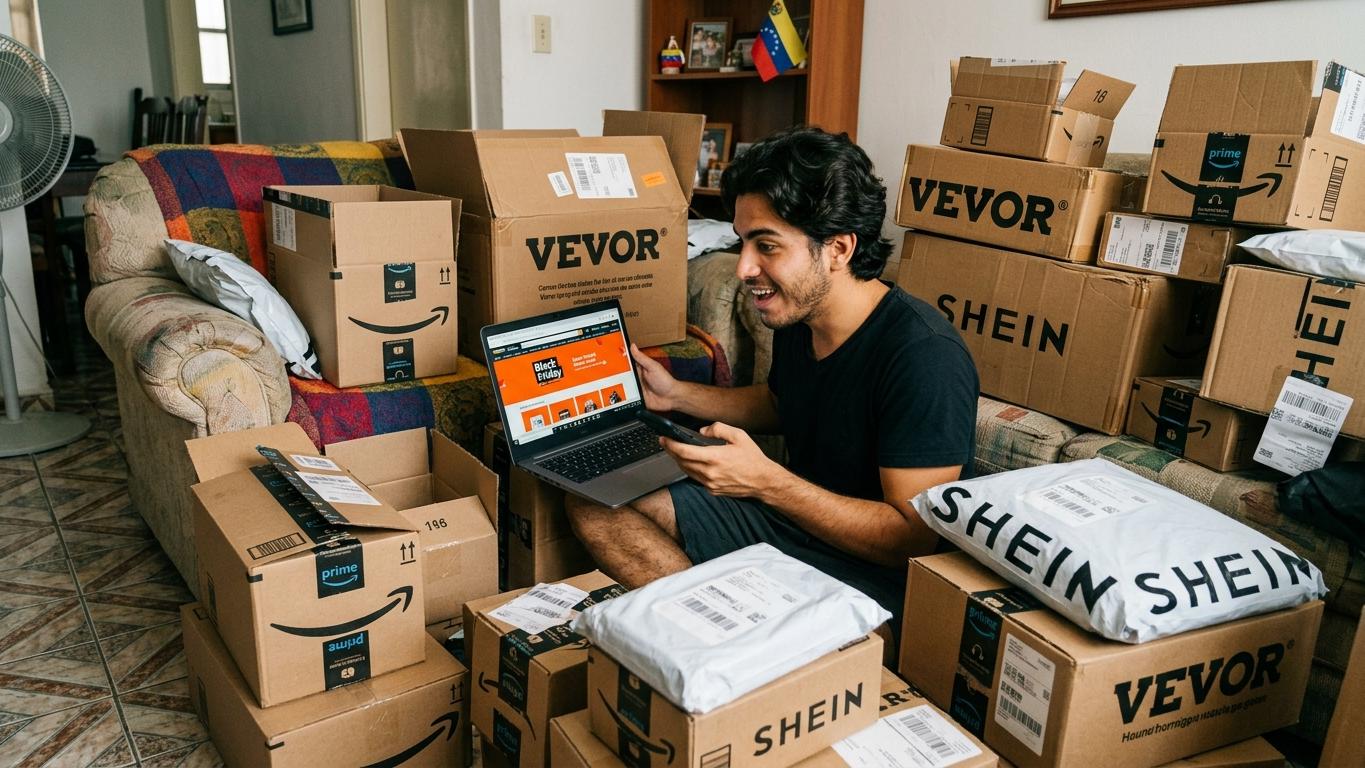
With your TEALCA mailbox in Miami you can take advantage of Black Friday from Venezuela. We explain step by step how to get it right from your very first purchase.
This year, Black Friday falls on Friday, November 27. It's the day of the biggest deals in the United States, and the good news is that you don't need to live there to take advantage of them: with your TEALCA mailbox in Miami you can shop at your favorite stores as if you were there and receive your purchases in Venezuela.
In this guide we explain, step by step, how to get it right from your very first purchase: what to prepare, how to enter your address at the store, what to do when your package arrives and how to avoid the most common mistakes of the season.
Which stores can you shop at?
Your mailbox receives purchases from any store that delivers to Miami, Florida. The most popular among our customers on Black Friday are Amazon, Walmart, SHEIN, Temu, eBay and VEVOR, but the list is much longer: if the store ships to Miami, your mailbox receives it.
Before Friday: get everything ready
The best deals sell out fast, so Black Friday itself is no time to sign up or look for your mailbox code. Do it ahead of time.
Open your mailbox. Creating your mailbox is free; you only pay for the shipments you make when you're ready. Our Customer Service team validates every registration and emails you your mailbox code and your Miami address. Open your mailbox here.
Save your address at the store. Log into your account at each store where you plan to shop and add your Miami address as a shipping address. That way, on deal day you just have to select it.
Check your payment method. Make sure your card works for international purchases at the stores you're interested in. A detail that confuses many people: the billing address is your card's address, and the shipping address is your mailbox's. They are two different fields.
Check what can be shipped. Before filling your cart, check the list of prohibited and restricted items. If you have questions about a product, email us at [email protected] before buying it.
How to shop on Black Friday, step by step
Calculate shipping before you pay
Shipping cost isn't based on the product's price, but on its weight, the space the box takes up, the service (air or ocean) and the destination. A heavily discounted item in a bulky box can end up costing more than you think. If you know the weight and dimensions, get an estimate with our rate calculator.
Enter your mailbox address at checkout
Select the Miami address you saved or type it exactly as shown below. The most important part is line 2: that's where the word Suite goes, followed by your mailbox code. Without your code, we can't identify who the package belongs to when it arrives at our warehouse.
Save your tracking number
After you buy, the store gives you an order number. That's not the one we need: wait for the store to send you the tracking number (the carrier's tracking number), which usually arrives by email when the store ships your order.
Pre-alert your purchase in the Customer Portal
With your tracking number in hand, pre-alert your purchase in the Customer Portal. The form will ask for the purchase date, the store name, the description of the merchandise, the value in USD and the tracking number. That way we know what to expect and who each package belongs to.
Important: If you don't have access to the portal yet, request it by emailing [email protected].
Request your quote and choose how to ship it
Once your purchases have arrived in Miami, email [email protected] to request your quote. If you bought from several stores, ask in that same email for your packages to be consolidated. When you receive the quote, reply to the email indicating whether you prefer air or ocean shipping. You can pay with Zinli, Zelle, Bancamiga, PayPal or international cards. Insurance is optional and quoted separately.
Order number vs. tracking number
| Order number | Tracking number | |
|---|---|---|
| Who generates it? | The store | The carrier (USPS, UPS, FedEx, Amazon, etc.) |
| When do you get it? | As soon as you buy | When the store ships your order |
| What is it for? | Claims and returns with the store | Tracking your package and pre-alerting it with TEALCA |
| Do we use it in Miami? | No | Yes |
How to shop safely during deal season
Scams also increase on Black Friday. A few simple precautions will protect you:
- Shop on each store's official website and type the web address yourself, instead of opening links you receive through messages or social media.
- On Amazon, eBay and Walmart, check who's selling the product: review the seller's rating and comments.
- Be wary of prices that are far too low compared to the same store or others.
- Before paying, check that the shipping address is your mailbox's, with your code on line 2.
Get more out of your purchases
Consolidate your orders. Stores like Amazon often use boxes with a lot of empty space, and in shipping you pay for that space too. If you buy from several stores, wait for all your purchases to arrive and ask for them to be consolidated into fewer boxes: it helps you save on shipping. The result depends on the size, weight and fragility of each product.
Take advantage of appliances and electronics. Venezuela uses the same voltage as the United States (120V/60Hz), so what you buy there works at home without transformers.
Keep sales tax in mind. Since delivery is in Miami, stores usually charge Florida sales tax at checkout. Factor it in when comparing prices.
Is it a Christmas gift? Black Friday purchases reach Miami after the ocean departures with a chance of delivery by Christmas have already closed, so for gifts with a deadline the option is air shipping. The last air departure with a chance of delivery before Christmas is Friday, December 4. To make it, your purchases must have arrived at our Miami warehouse and your shipment must be quoted and paid on time, so buy as early as possible and request your quote as soon as your packages arrive. If the store offers faster delivery to Miami, it may be worth it for your gifts.
During the following two weeks we'll keep running air departures, but with no commitment to delivery before Christmas. Check the receiving cutoff and departure dates on our departure calendar. Air shipping takes an average of 7 to 15 business days and ocean shipping 4 to 6 weeks, counted from the formal departure from Miami, not from when your purchase arrives at the warehouse.
Anything left on your list? Cyber Monday arrives on Monday, November 30, with its own round of online deals.
Frequently asked questions
Yes. With your TEALCA mailbox you get an address in Miami to shop at U.S. stores and ship your purchases to Venezuela.
Nothing. Creating your mailbox is free; you only pay for the shipments you make when you're ready.
On line 2 of the address, with the word Suite followed by your code. For example: Suite VE123456.
The tracking number. The order number is only useful for dealings with the store.
Yes. When you request your quote from Customer Service, ask for your packages to be consolidated. That way you make better use of the space and it helps you save on shipping.
Your Miami address
- First and Last Name: Your name. Example: John Smith
- Address Line 1: 7490 NW 54th Street
- Address Line 2: SUITE and your code. Example: Suite VE123456
- City: Miami
- State: Florida (FL)
- Phone: 786-650-1554 (They will never call you)
- ZIP Code: 33166-4811
Contact us
Questions about your Black Friday purchases? We're here to help from the United States:
- Email: [email protected]
- Instagram: @tealcausa
- WhatsApp: +58 424-1384615
- Facebook: Tealca USA
Related articles
How to Pre-alert Your Packages: Complete Step-by-Step Guide
Learn how to pre-alert your packages in the TEALCA.US customer portal step by step and speed up the receipt of your purchases in Miami.
Read article
Order Number vs. Tracking Number: What Is the Difference
Order Number vs Tracking Number: Understand the difference to avoid delays with TEALCA shipping.
Read article
Amazon Venezuela: How to Shop and Receive from the USA
We explain how to shop on Amazon from Venezuela and receive your purchases at any destination. Register now!
Read article
Prohibited Items for your shipments
Learn prohibited items for your shipments to avoid delays with TEALCA's guide on US-Venezuela shipping restrictions.
Read article