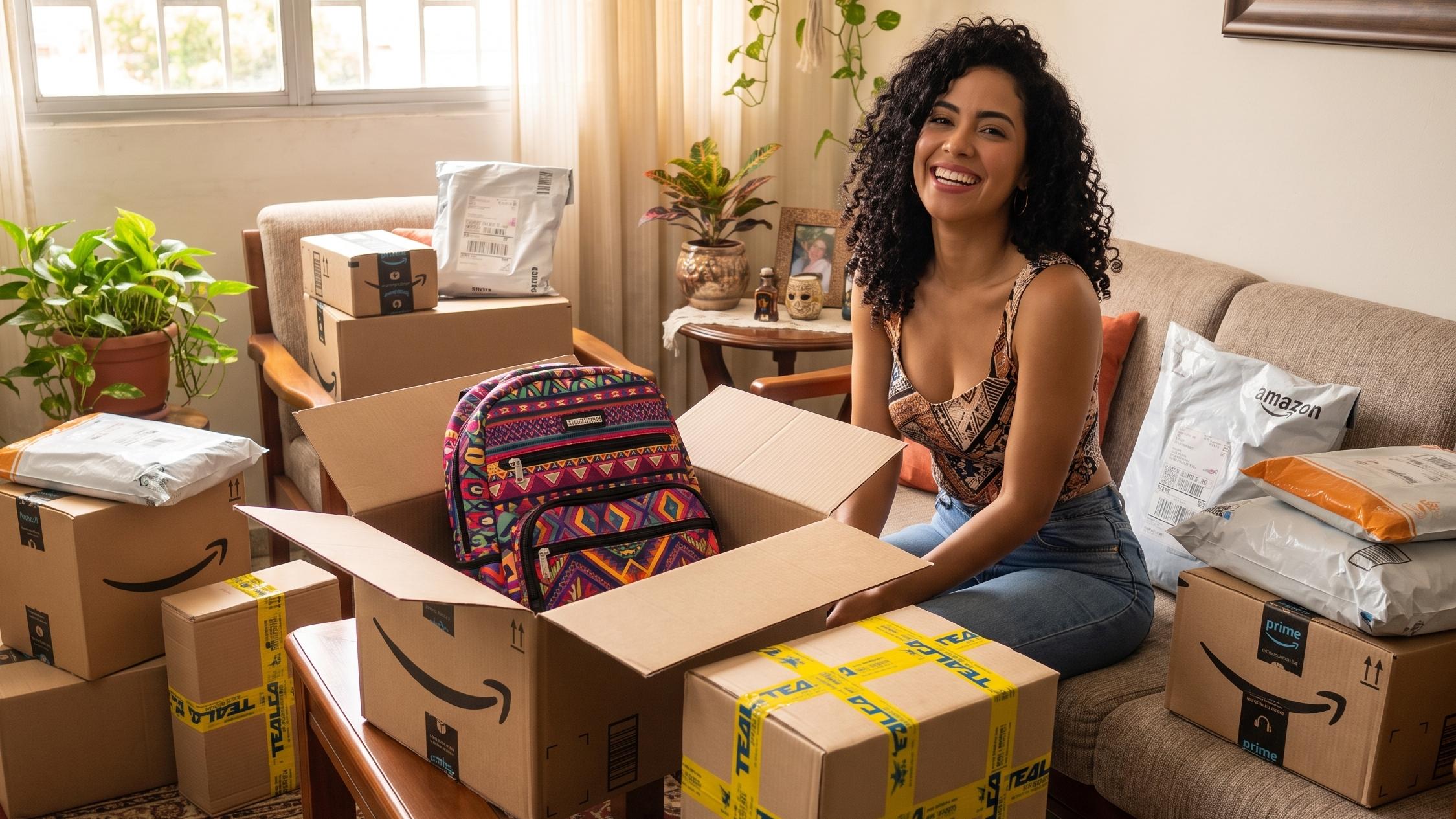
Take advantage of Amazon's Prime Big Deal Days and ship your purchases to Venezuela quickly and safely with TEALCA's international mailbox.
Through our services, you can take advantage of Amazon's Prime Big Deal Days and ship your tech, clothing and home purchases from the United States or Spain to your country quickly and safely.
To make your experience the best one yet, we bring you a guide with key recommendations for shopping on Amazon and receiving your orders with the peace of mind TEALCA's international mailbox offers.
What is Amazon's Prime Big Deal Days?
Prime Big Deal Days is an exclusive e-commerce event where Amazon offers 48 straight hours of massive discounts on thousands of products across every category: technology, fashion, tools, appliances and toys, so you can get ahead on holiday shopping at the lowest prices of the year.
4-step checklist before the event
Follow these steps to secure the best deals before they're gone:
Build your wishlist now: add everything you need to your Amazon wishlist today. That way the app will alert you instantly if the price drops.
Check your Prime membership: Make sure your subscription is active (or activate the 30-day free trial right before the event).
Turn on notifications: In the Amazon app, go to settings and enable "Deal tracking" alerts.
📦 Set up your TEALCA Mailbox: Set your Miami (or Spain) mailbox address as your default shipping address on Amazon.
How do I ship my Amazon purchases?
Thanks to our free mailbox service, you can shop on Amazon and receive your packages at our warehouse in Miami or Madrid. Once your shipment arrives at our facility, we'll take care of the process to transport your orders to your destination in Venezuela.
How does the international mailbox service work?
We take care of receiving, processing, consolidating or repacking, quoting and transporting your orders through the method of your choice: air or sea.
Follow these steps to shop and ship your purchases to Venezuela:
Sign up for our mailbox to get the personalized code you'll use to identify your packages. (If you don't have one yet, click here to create your mailbox).
When completing your Amazon purchase, enter the shipping information:
- First and Last Name: Your name. Example: John Smith
- Address Line 1: 7490 NW 54TH street
- Address Line 2: SUITE and your code. Example: Suite VE123456
- City: Miami
- State: Florida (FL)
- Phone: 7866501554 (They will never call you)
- ZIP code: 33166-4811
Once your purchase is complete, log into our system to pre-alert your package. Enter the Amazon tracking number.
Request consolidation or a quote by emailing [email protected] with your name, mailbox code, purchase invoices and the recipient's details.
You'll receive a quote so you can complete payment, and that's it!
We recommend focusing your shopping on technology (laptops, smartphones, smartwatches and Amazon Echo/Kindle devices), small appliances, brand-name clothing, and holiday-season clothing and toys.
Yes. You can accumulate multiple purchases at your mailbox and request the repacking or consolidation service to optimize space and save on freight rates.
You should set your mailbox address (Miami or Spain) as your default shipping address on Amazon before the event starts, so all your purchases go directly to our facility.
Yes. You can activate Amazon Prime's 30-day free trial right before the event to take advantage of member-exclusive deals.
Contact us
If you need any other guidance for shipping to Venezuela from the United States or Spain with TEALCA, reach us through the following channels:
- Email: [email protected]
- Instagram: @tealcausa
- WhatsApp: +58 424-1384615
- Facebook: Tealca USA
TEALCA Madrid Mailbox
Alfonso Gómez 42, Pb, Local 201, 28037, Madrid, Spain
Find more information about the mailbox service from Spain at tealca.es
Related articles
Amazon Venezuela: How to Shop and Receive from the USA
We explain how to shop on Amazon from Venezuela and receive your purchases at any destination. Register now!
Read article
Air Shipping to Venezuela from the USA: Fast and Secure
Need fast air shipping to Venezuela from the USA? TEALCA delivers securely in record time with 40 years of experience.
Read article
How to use our mailbox service to ship to Venezuela?
With our mailbox service, ship from anywhere in the world to Venezuela — no need to leave home or repack.
Read article
Light Shipping to Venezuela: The Most Affordable Option for Small Packages
Get affordable Light Shipping to Venezuela for small packages. TEALCA handles your lightweight orders fast and cheap.
Read article